 Mi Taller
Help centre
Mi Taller
Help centre
checking…
Mi Taller
Help centre
Make Mi Taller speak your language and show your prices and garages nearby.
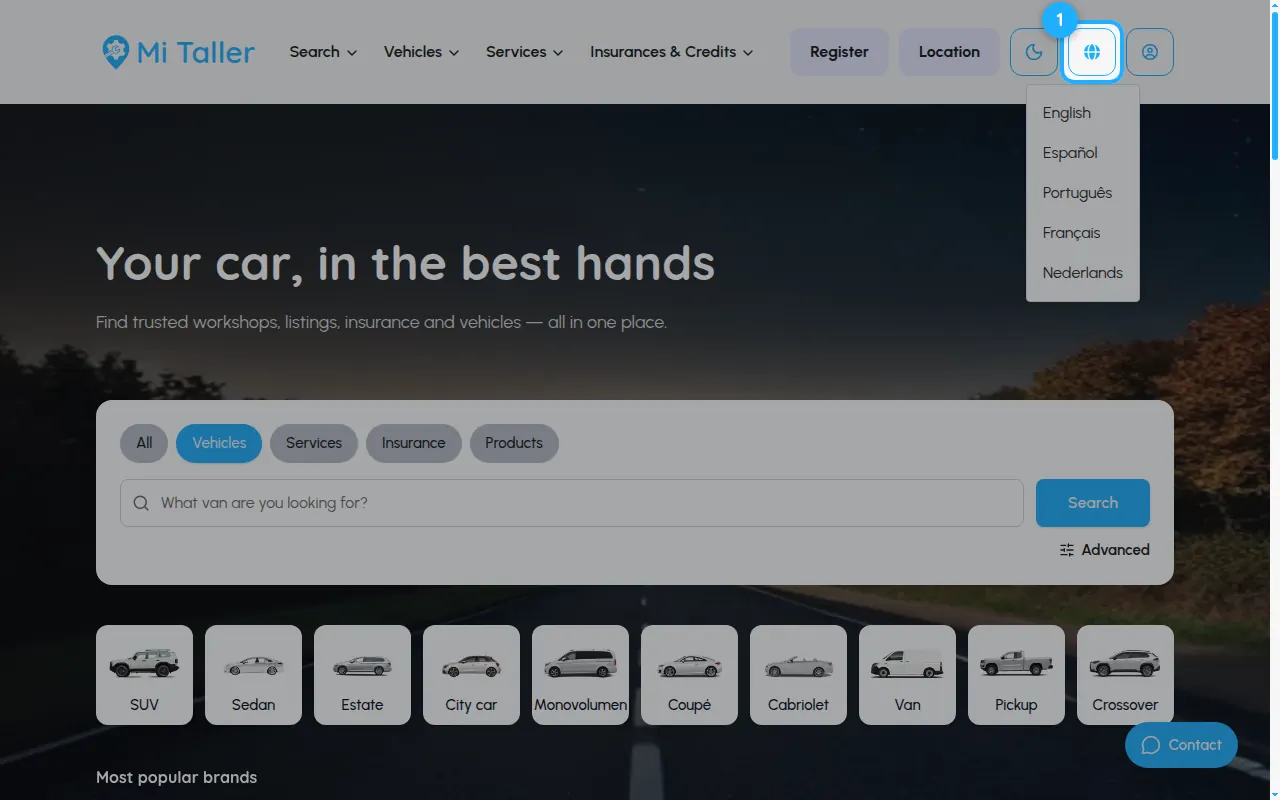
Click the globe icon at the top and pick a language.
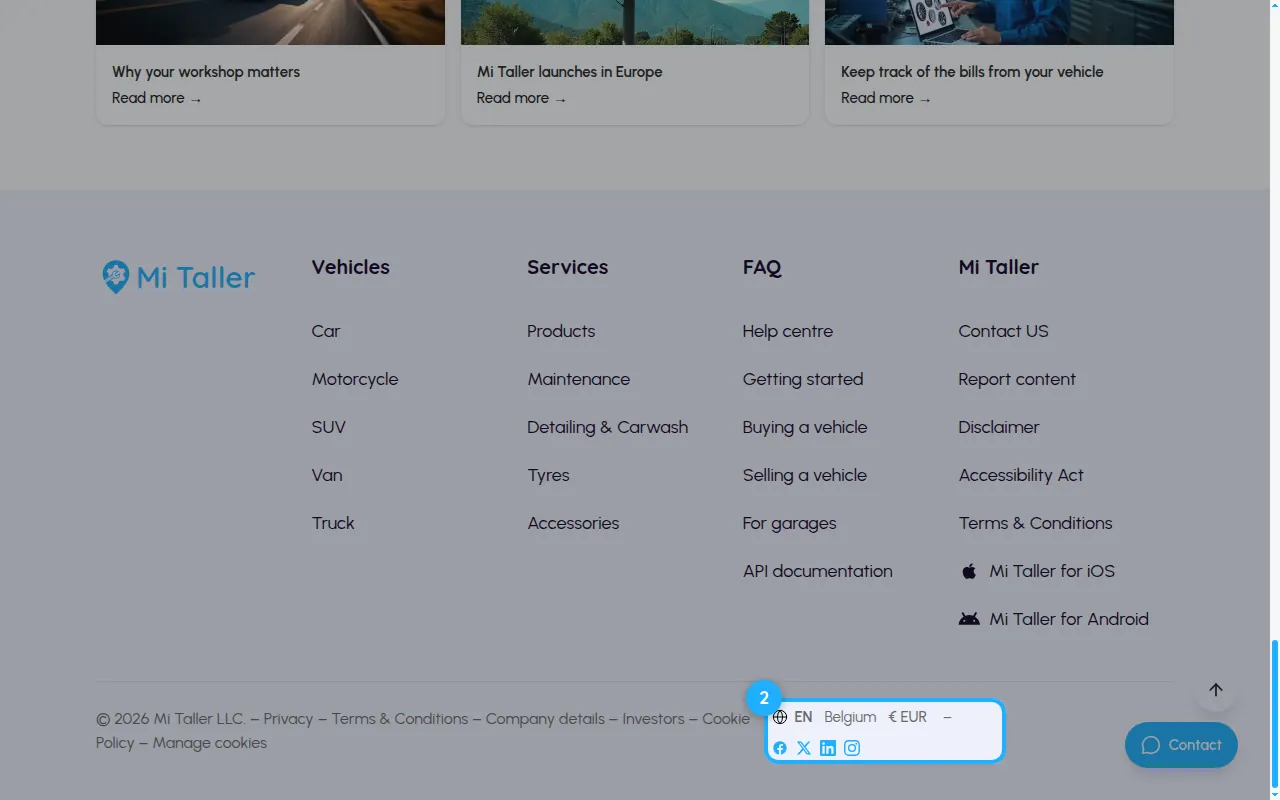
At the bottom of the page you see your language, country and currency. Click the currency to change it.
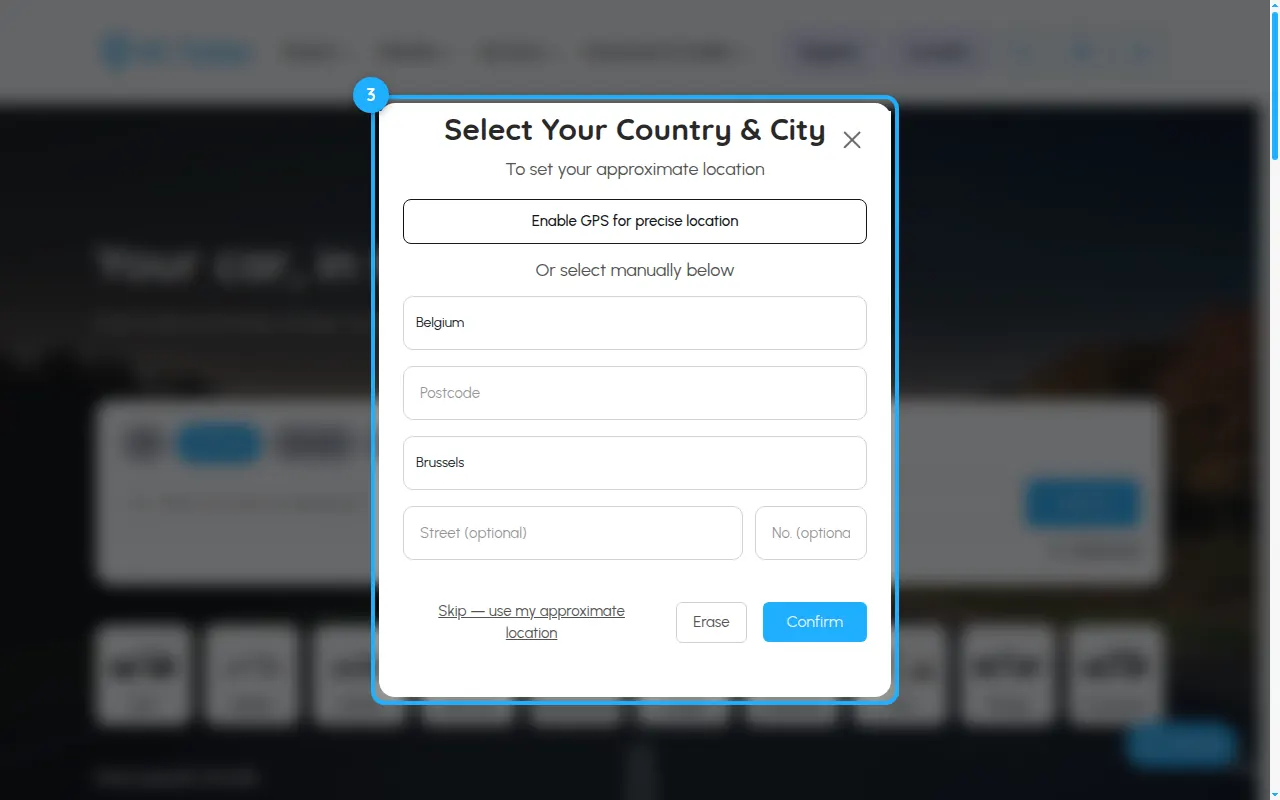
Click Location at the top: allow GPS for a precise location, or choose your country, postcode and city and press Confirm.
Send us a message through the contact form on mitaller.co. Pick the topic that fits best so it reaches the right person.
Contact usWe've received your message and will get back to you.